EasyLayouts Filter Module
Filtering Articles with EasyLayouts Filter Module
Joomla provides no mechanism for the articles displayed in Category Blog views, Featured Article Views or Article Lists based on the value of custom fields. EasyLayouts make this functionality available in Joomla. This article explains how to use this feature.
On the EasyLayouts Demo site (https://demo.easylayouts.net) we showcase EasyLayouts to show how you could set up a site to list chefs, restaurants and recipes with different layouts, custom fields and interrelated linkages. One obvious need when showing recipes is to search for recipes with specific ingredients or allergens. We have a menu item to show this functionality - https://demo.easylayouts.net/recipes
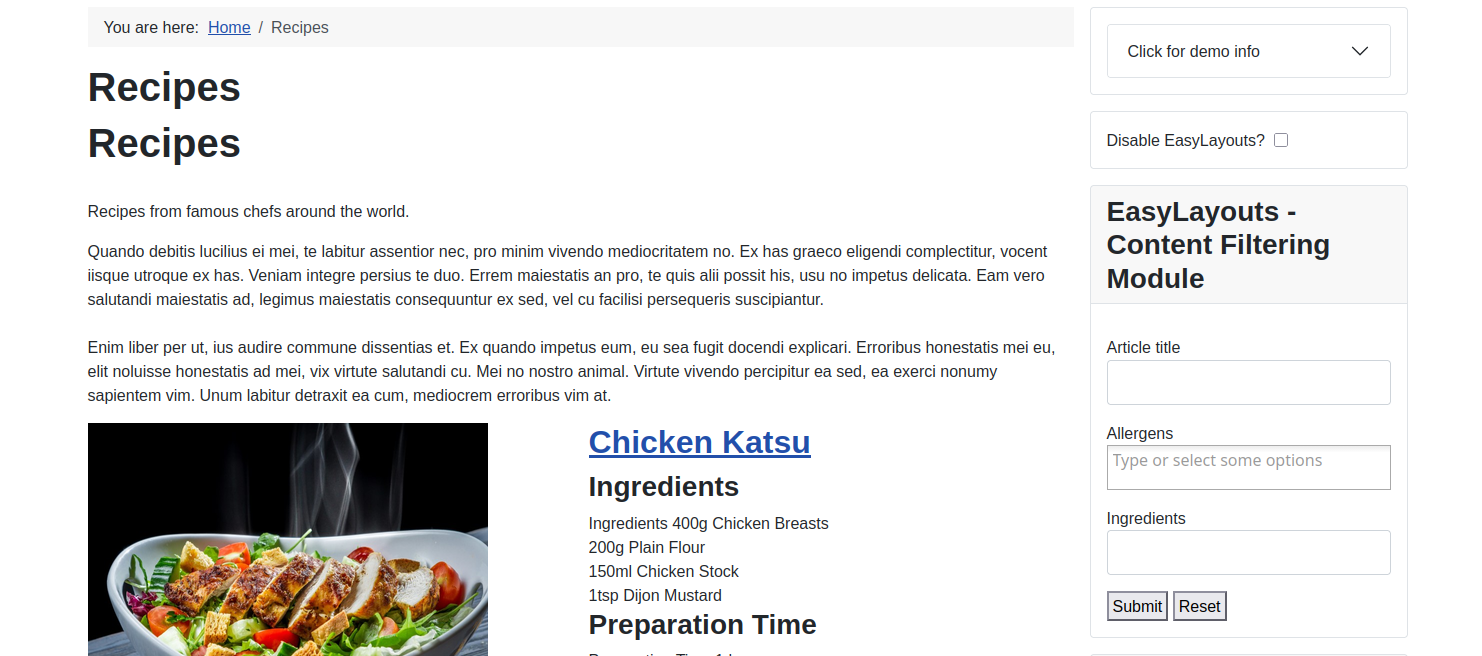
Elsewhere in the docs you can see how this type of menu item could be filtered - here we are going to show how your visitor can filter the list of articles viewed using the filter module:
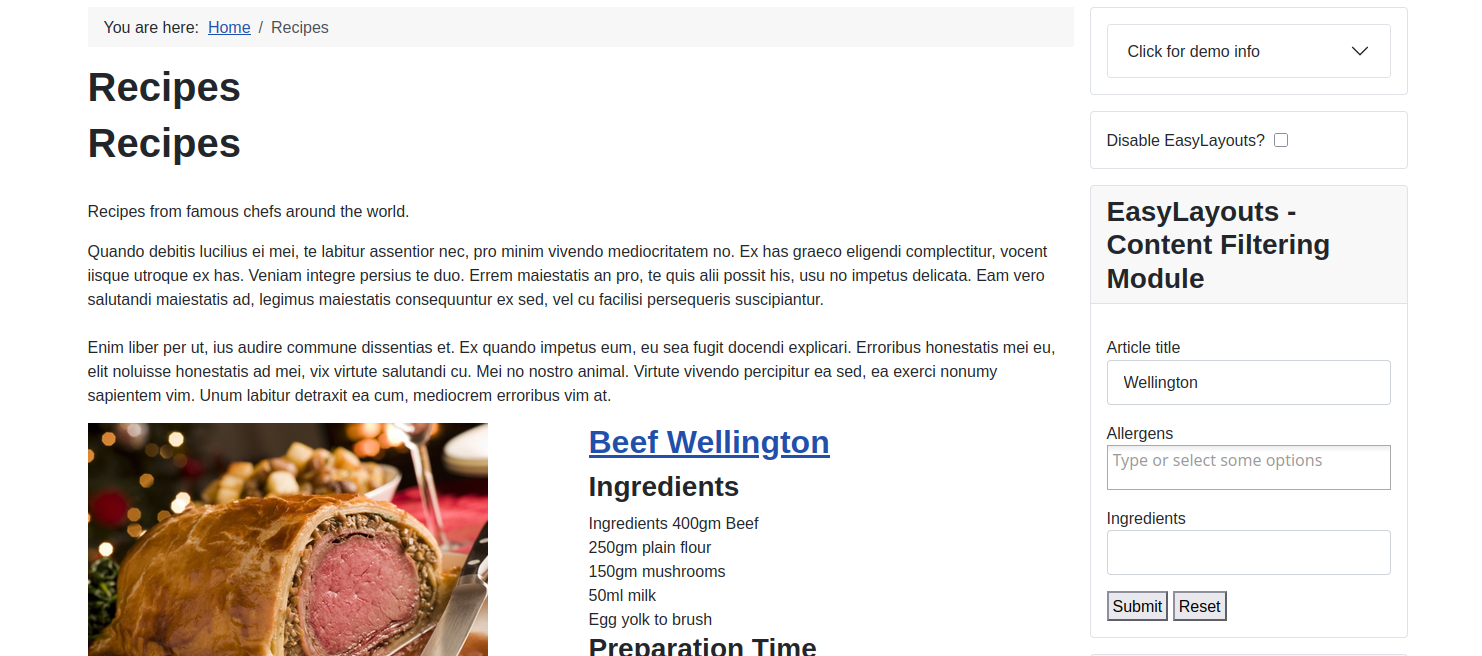
In this example we can filter by Title
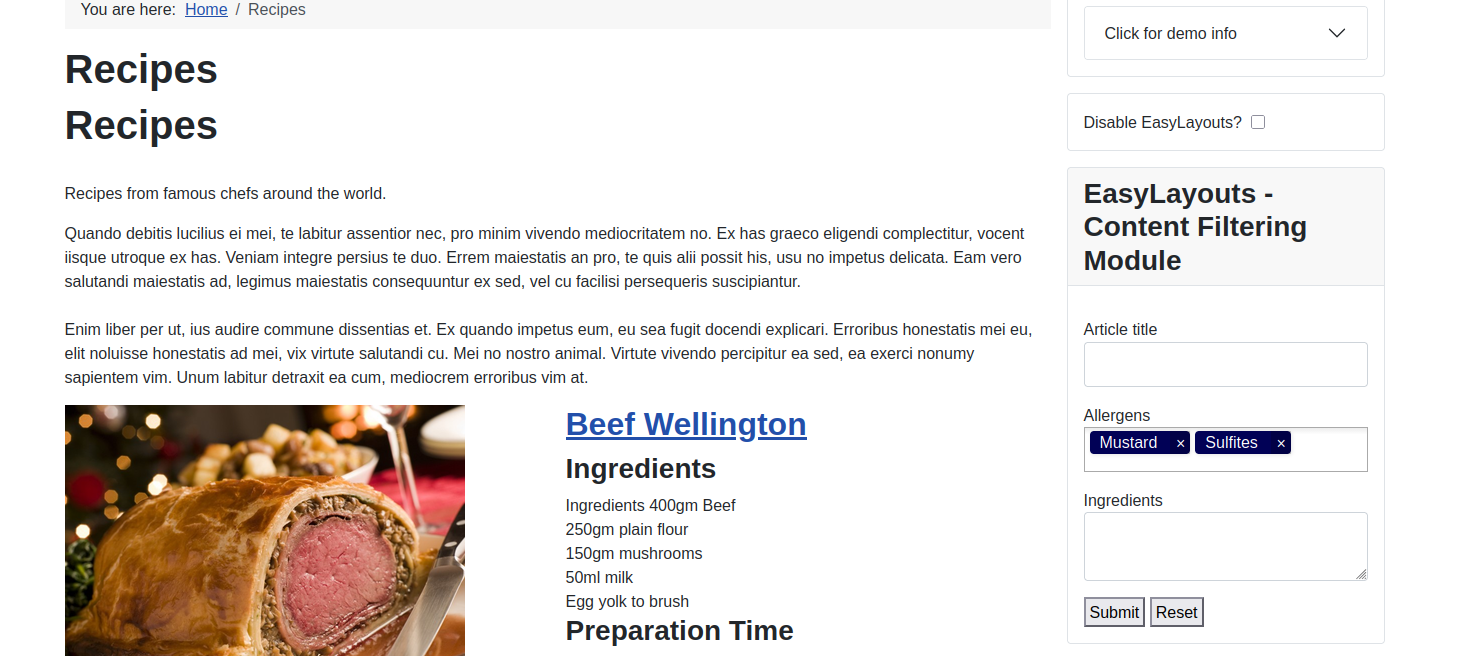
We can filter to exclude Allergens (a custom field)
We can filter to include Ingredients (a custom field)
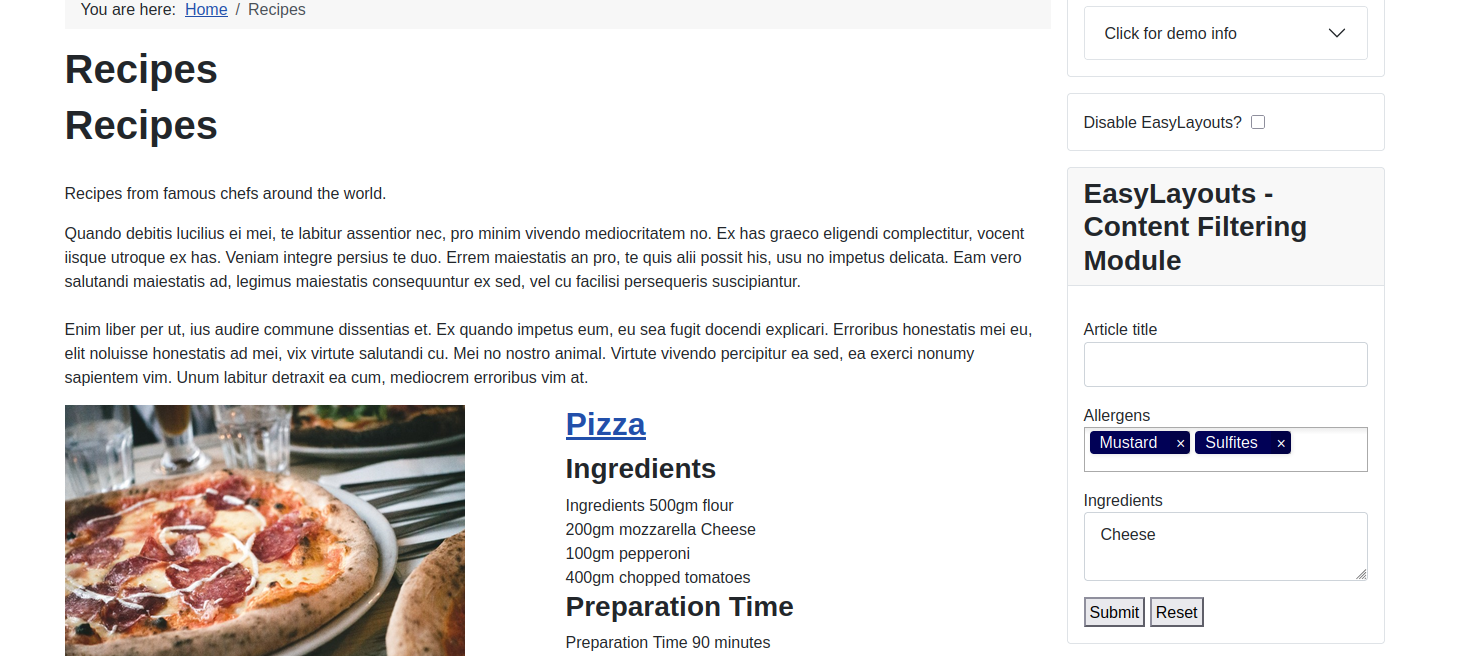
How is this achieved?
1. Start with an EasyLayouts Layout of type 'EasyLayouts : Filter Module' - we'll explain how to construct this in a moment
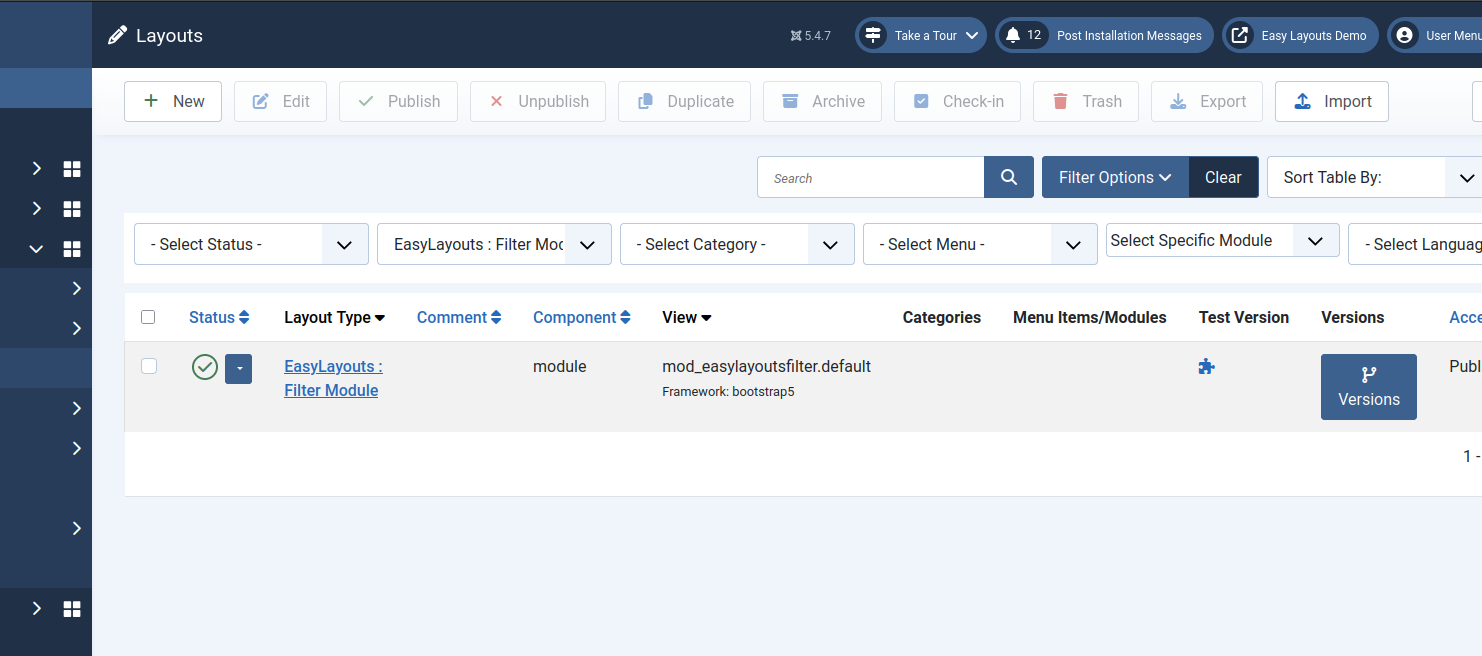
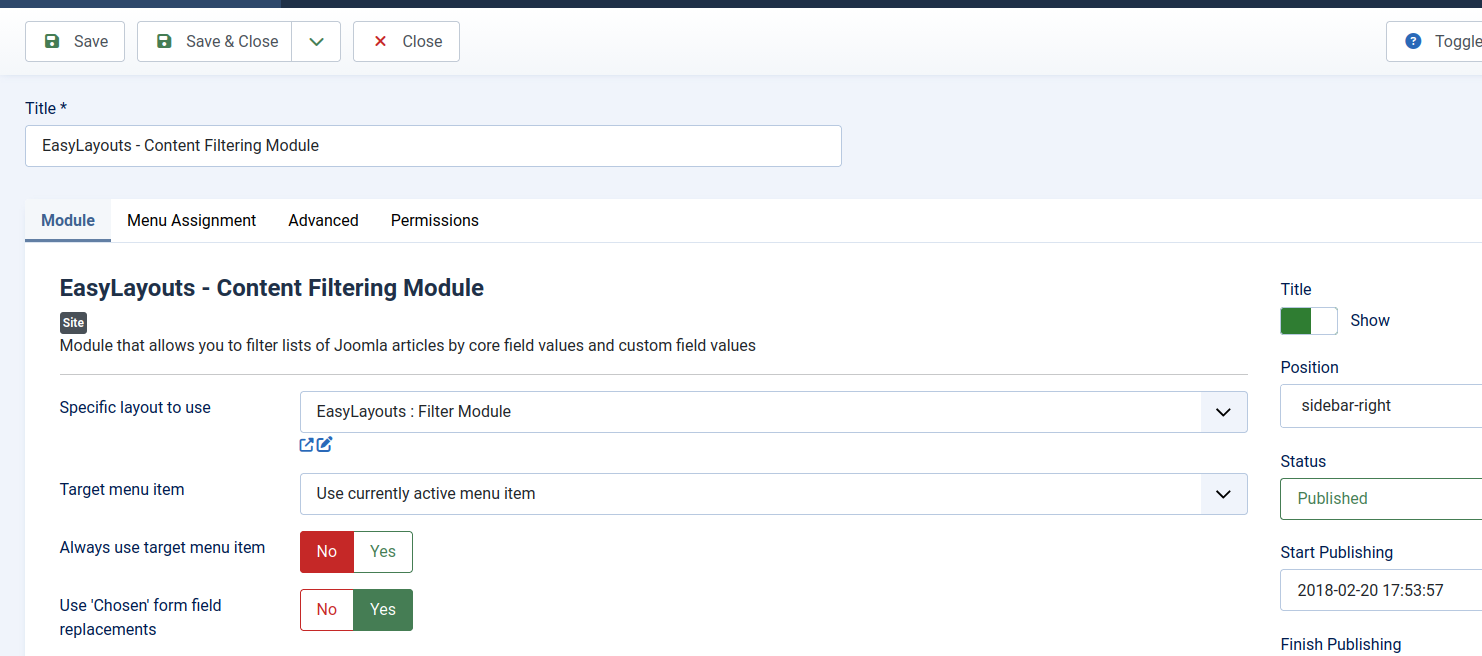
2. Next create a module of type Start with an EasyLayouts Layout of type 'EasyLayouts : Content Filtering Module' - and selece the Filter Module layout you wish to use. This mechanism allows you to create multiple filter modules on different pages for different content types. Once saved there is a convenient pencil icon to allow you to jump straight to editing the layout within EasyLayouts.
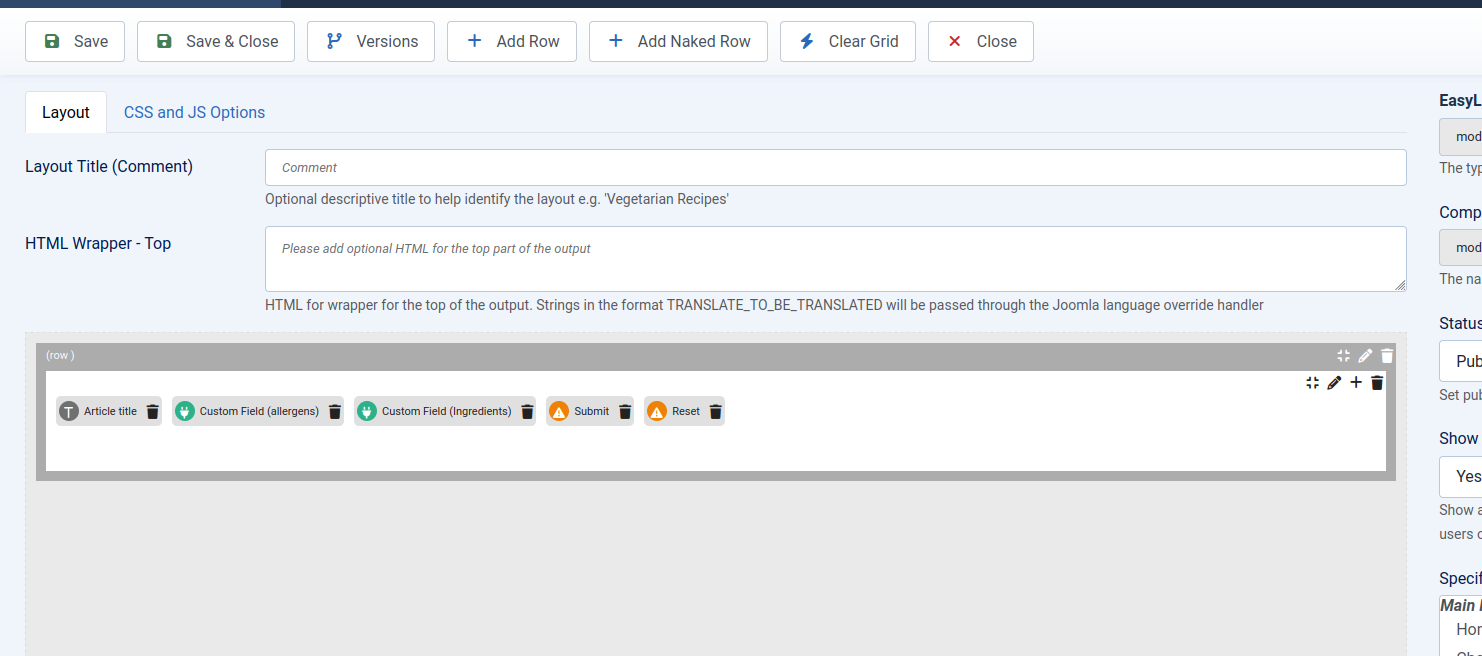
3. Next create customise the filter module within EasyLayouts. Remeber to include submit an reset buttons
Tips
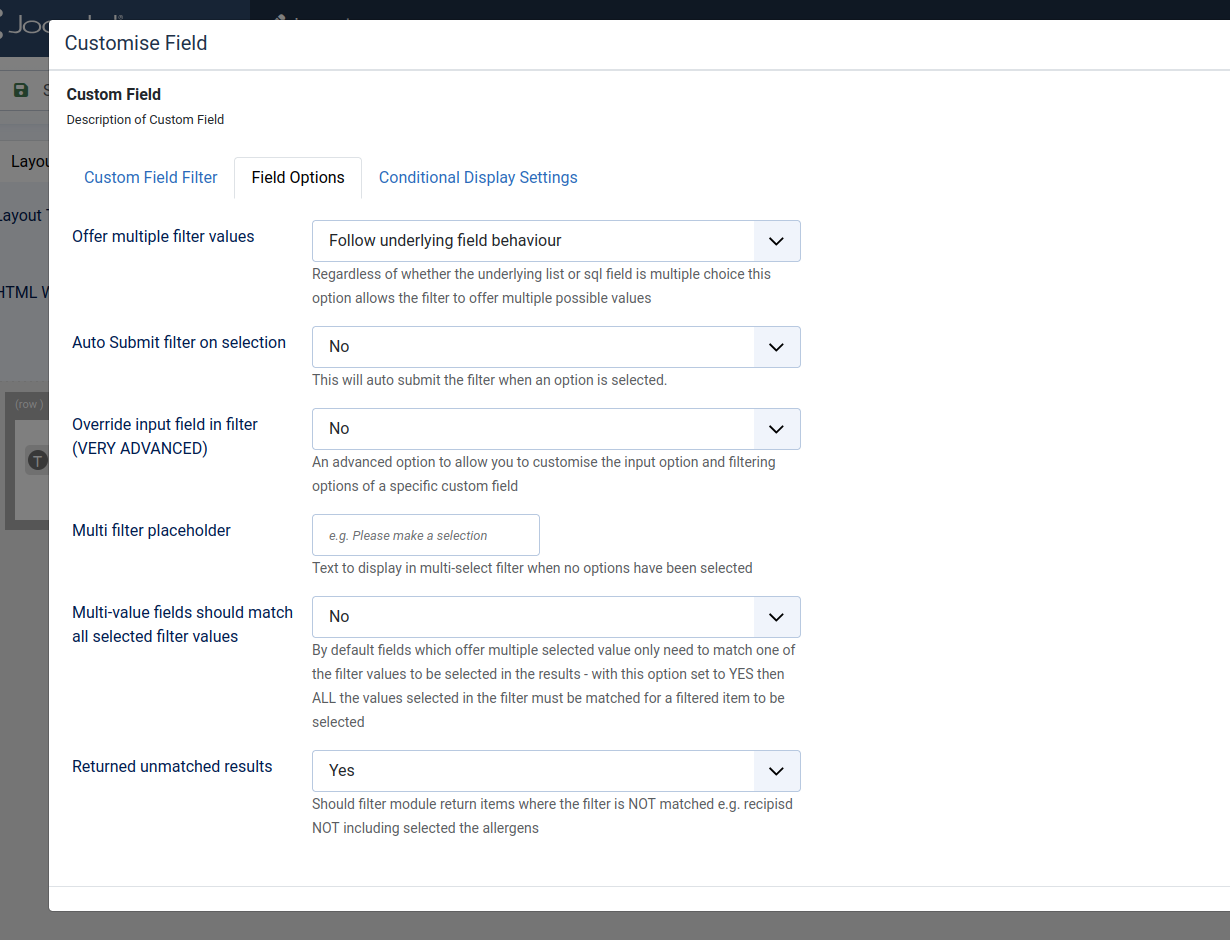
4. It's a good idea to set advanced mode when editing this layout. This will allow you to, for example, exclude the matching articles from the list. For Allergens we want to show the list of articles that do not include the provided values in the custom field value